Incorrect translation, can the program work in Russian?
Of course, I installed everything, but I don’t understand how to configure it and work with it without knowing the language!
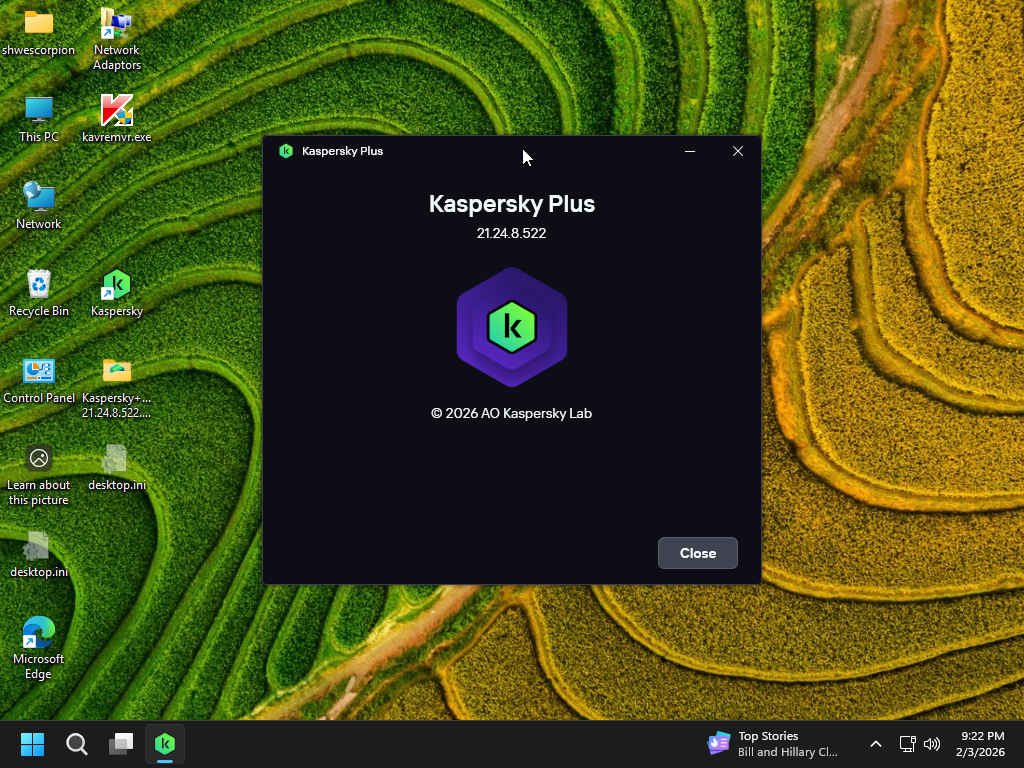
Kaspersky Plus (Global) 21.24.8.522
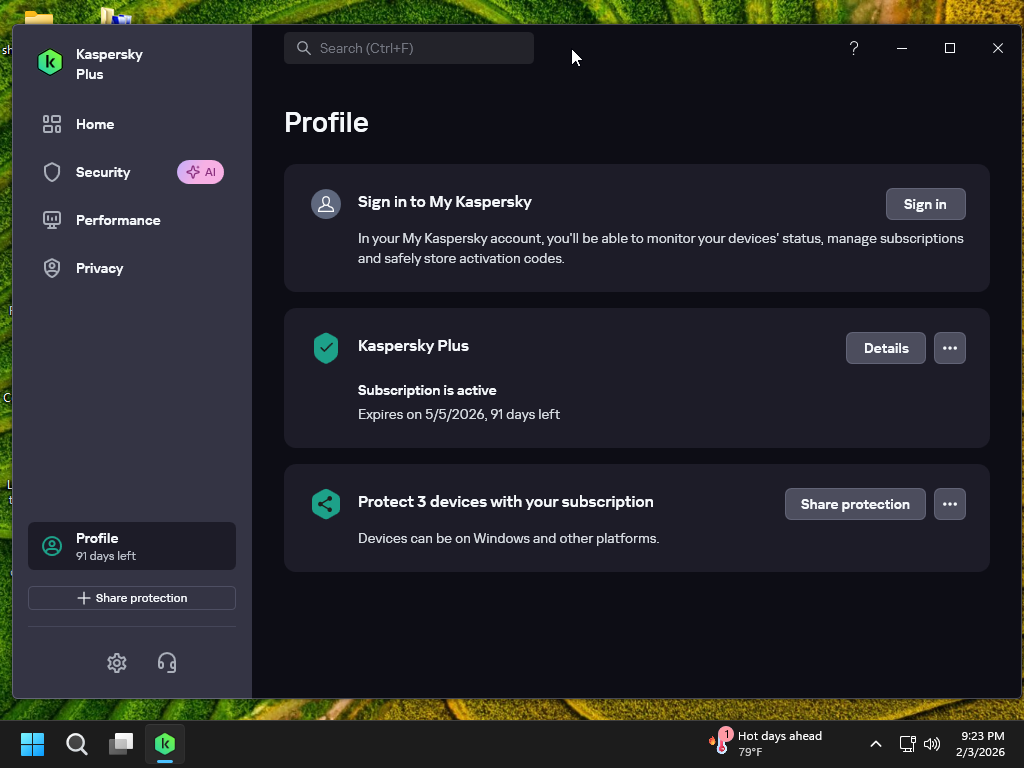
91 days preactivated Offline Installer
with Auto Renewal
You must be registered for see links
.
Just run the kaspersky.cmd file and follow the instructions on screen.
Don't close the command window.
Sit back, relax and wait until it will close after installation.
You are done.
For the complete activation, you need to install with internet connection ON.
To all members who using this script. Please don't post any serial number used in the script to respect the scriptwriter.
Posting like this, that serial might be banned by Kaspersky. If you posted those serials, please remove.
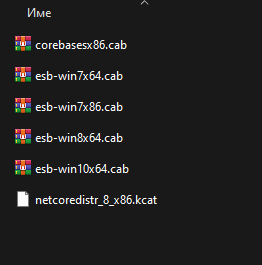
In this version, the cab files for windows 7.8 and 10 are corrupted. They may be blocked by the laboratory.
Download these original cab files and place them in the archive of the creator shwescorpion by replacing them to install on windows 7,8 and 10.
The cab files are valid for all languages of all offline installers.
Incorrect translation, can the program work in Russian?
Of course, I installed everything, but I don’t understand how to configure it and work with it without knowing the language!
There are several offline installers in Russian, there are also Vietnamese, Italian, French, Bulgarian and Lithuanian. I can give you a link in a private message.
this pack of Kaspersky Plus (Global) 21.24.8.522 91 days..that is for Windows 10 & 11 x64 only.if it's for your windows system . you have to uninstall kaspersky again...
1) Remove installed Kaspersky with Kavremover , remove all any kaspersky password vpn...of kaspersky
2) Clear traces with KTL tool ,click on CLEAN it's very important
3) Run Kaspersky cmd as administrator
4) keep internet connection on
follow the instructions on screen.Don't close the command window.
just waiting until it will close after installation...
if it asks to sign into My Kaspersky , it means that the Script can't take effect. there is some traces of kaspersky !
if there is a license box open ..that's ok , just insert the key.
Kaspersky doesn't support multi-language installation.
In that case I may need to create a separate language installation file.
Popular languages in this forum are
French
Russian
Spanish
maybe more ...