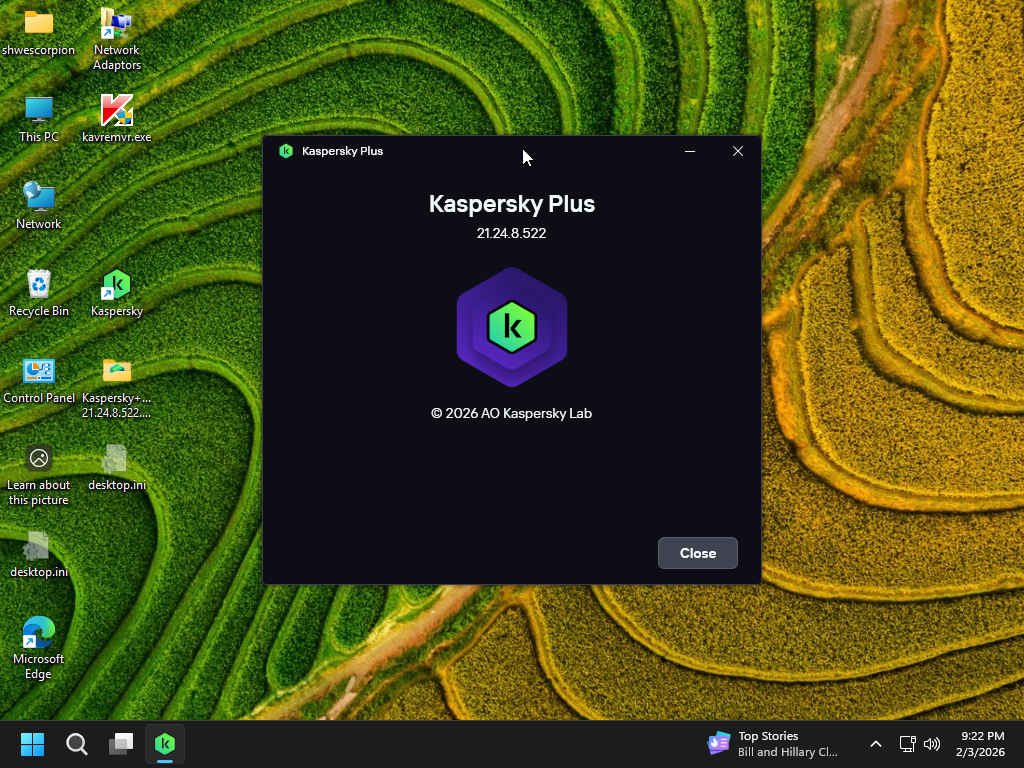
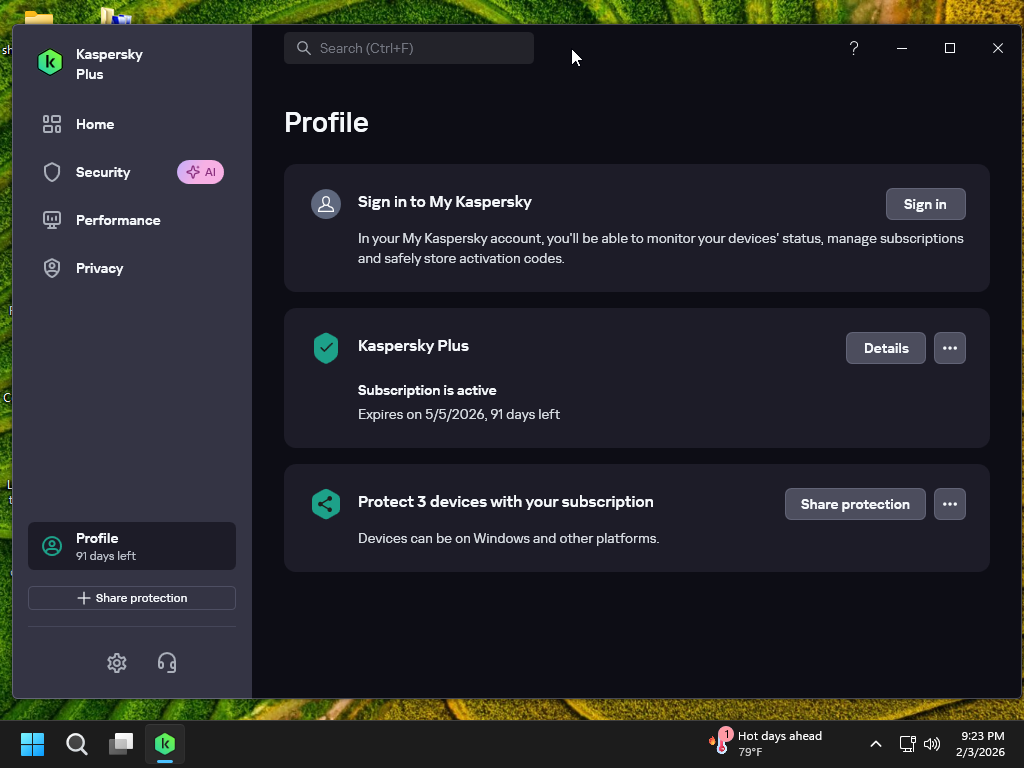
Kaspersky Plus (Global) 21.24.8.522 91 days preactivated Offline Installer with Auto Renewal.

Kaspersky Plus (Global) 21.24.8.522
91 days preactivated Offline Installer
with Auto Renewal


.

Just run the kaspersky.cmd file and follow the instructions on screen.
Don't close the command window.
Sit back, relax and wait until it will close after installation.
You are done.

For the complete activation, you need to install with internet connection ON.

👍 Thanks to nobilo for the script. 👍

h4oJTgxl_o.png


7FO3xp6c_o.png


👇 How to install 👇


Download

You don't have permission to view the spoiler content. Log in or register now.
[Hidden content]


To all members who using this script.

Please don't post any serial number used in the script to respect the scriptwriter.
Posting like this, that serial might be banned by Kaspersky.

If you posted those serials, please remove.

thanks
 
Hi everybody,

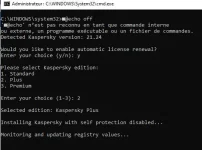
unfortunately, i am stucked at the beginning : Monitoring and updating registry values...

I have used the KAVremover and KTL tool but without success.

How can I do for solving this issue ?

Thanks in advance
 
  • Sad
Reactions: soundtwo
Thanks soundtwo for your help !

My configuration is Windows 10, 64 Bits

When it appears this line "Monitoring and updating registry values..." how many time I have to wait before the following windows appears ?

Tu es français ?
 
Last edited:
  • Like
Reactions: soundtwo
Thanks soundtwo for your help !

My configuration is Windows 10, 64 Bits

When it appears this line "Monitoring and updating registry values..." how many time I have to wait before the following windows appears ?

1) Remove installed Kaspersky with Kavremover
2) Clear traces with KTL , run Ktl Tool , click on Clean
3) Run Kaspersky Cmd as administrator...

follow the instructions on screen.Don't close the command window.
just waiting until it will close after installation by itself.
just waiting ...... kaspersky will start up to install.
keeping internet connection on.
if the script doesn't operate well , just tell me...
 
  • Like
Reactions: shwescorpion
normally after that , you have to wait less than 1 mn than kaspersky show uu to install

if there isn't any kaspersky show up .it doesn't work

after you had downloaded the

Kaspersky Plus (Global) 21.24.8.522 91 days preactivated Offline Installer with Auto Renewal..​

unzip it and run it in the same folder with kaspersky
 
Last edited:
  • Like
Reactions: shwescorpion
hy.using before kaspersky plus from updateded total security.done this 1) Remove installed Kaspersky with Kavremover-restart then no idee what app is this(2) -Clear traces with KTL , run Ktl Tool , click on Clean)-after i search on two engines gives results no relate it to kaspersky.anyway only use first option-run admin that cmd-perfect install when i chose plus version-then says if i want premium-so be it then stuck.wait over 5 min no change i close window then remove with kavremover and bye.my os is win 10 x64 pro.until version 21.3 plus works lovely ktlite 5.7 to reset every 3 months but in my case (i saw for others works fine) your method not for me.thxs for your time and shareing.i read in advance all 9 pages before trying and posting.that user got right when confuse ktl(tweak lite) with ktl of what you consider must be.
 
normally after that , you have to wait less than 1 mn than kaspersky show uu to install

if there isn't any kaspersky show up .it doesn't work

after you had downloaded the

Kaspersky Plus (Global) 21.24.8.522 91 days preactivated Offline Installer with Auto Renewal..​

unzip it and run it in the same folder with kaspersky
I have installed this version Kaspersky+Global 21.24.8.522.0.48.0.