Kaspersky Plus (Global) 21.24.8.522 91 days preactivated Offline Installer with Auto Renewal.

If you don't plan to upgrade to windows 10 or 11, I'd recommend you to download the online one for Plus, then rename it to startup.exe and put it in the folder. I haven't tried this on older windows versions so it might not work but still worth to try.
I know nothing about coding, but will it work simply by replacing it?
The online installer has time limit (trial version), I think it will be safer if I could find Plus offline installer for 7 and 8.
 
I know nothing about coding, but will it work simply by replacing it?
The online installer has time limit (trial version), I think it will be safer if I could find Plus offline installer for 7 and 8.
The offline installer installs normally on Windows 7. You have a problem with your device. Unzip the file and delete these cab files
esb-win7x64.cab
esb-win7x86.cab
esb-win8x64.cab
esb-win8x86.cab
Now you can try to install by running
startup.exe from the archive
 
Update : >> regarding my posts @ page 3, in short this is working but only using VPN (Germany location), Thanks 4 that..!! 👍
 
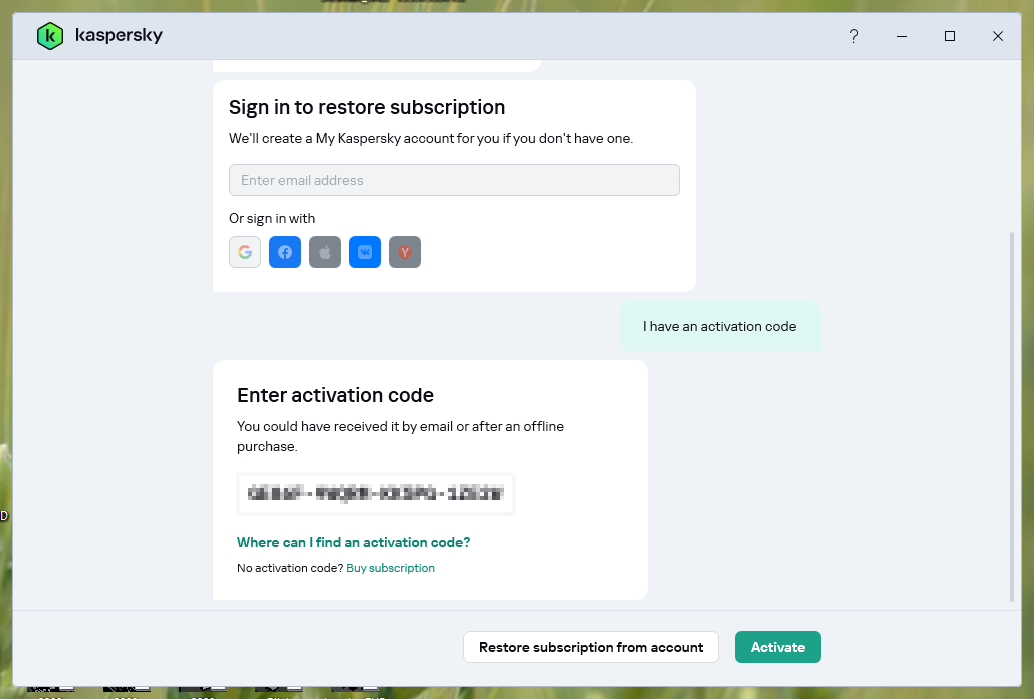
enter embedded serial key

01.png


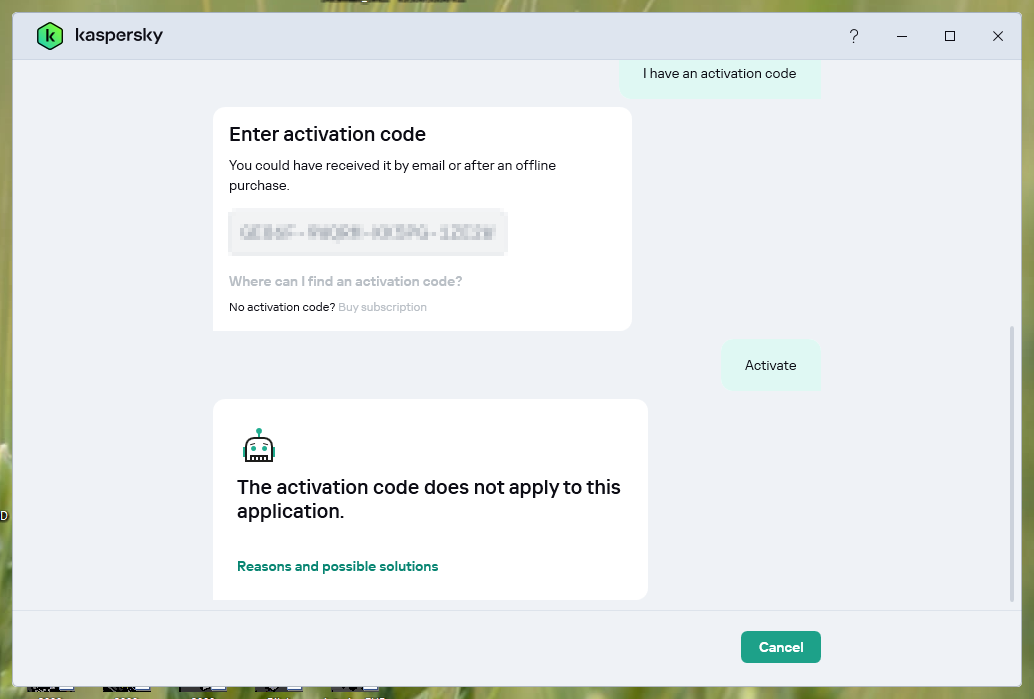
this error shows up

02.png


any HELP is appreciated..!! Thanks <3

also i'm trying it with JgDuff procedure, will update it here..!!
this pack of Kaspersky Plus (Global) 21.24.8.522 91 days..that is for Windows 10 & 11 x64 only.if it's for your windows system . you have to uninstall kaspersky again...
1) Remove installed Kaspersky with Kavremover , remove all any kaspersky password vpn...of kaspersky
2) Clear traces with KTL tool ,click on CLEAN it's very important
3) Run Kaspersky cmd as administrator
4) keep internet connection on

follow the instructions on screen.Don't close the command window.
just waiting until it will close after installation...

if it ask to sign into My Kaspersky , it means that the Script can't take effect. there is some traces of kaspersky !
if there is a license box open ..that's ok , just insert the key.